
 Khizar Seo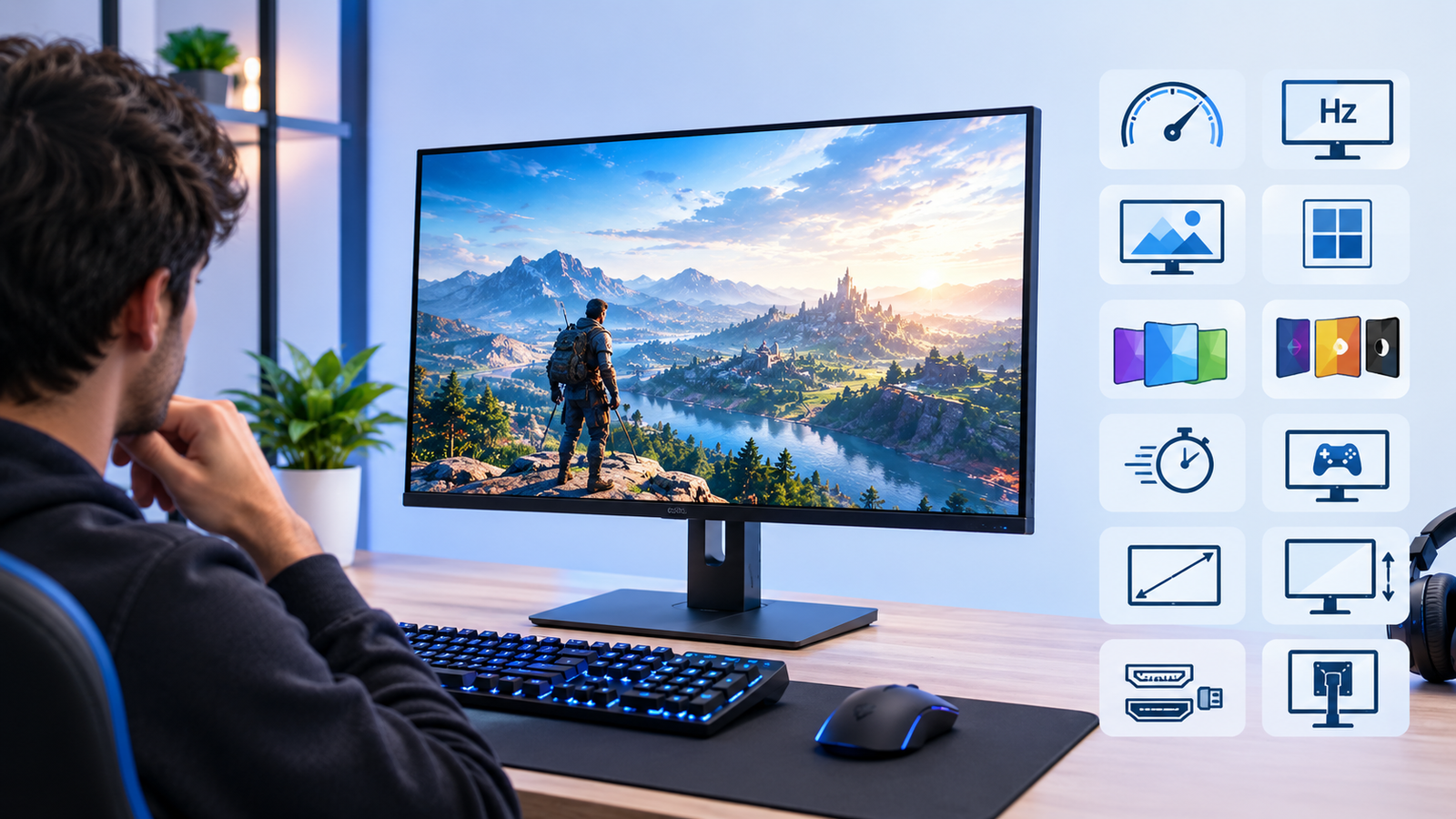
You could have a powerful graphics card and still feel like something’s off with your gaming experience. Sometimes, the problem isn’t the PC at all – it’s the monitor. A gaming monitor isn’t just a screen you plug in and forget about. It’s the thing standing between your hardware and what you actually see, and picking the wrong one wastes a chunk of the performance you paid for. Here’s what actually matters when you’re choosing one.
Refresh rate matters more than most people think
If your PC can push high frame rates but your monitor is stuck at 60Hz, you’re leaving performance on the table. A 144Hz monitor is the baseline most gamers should be aiming for now, and it makes a genuinely noticeable difference in fast-paced games. Go higher, 165Hz or 240Hz, if you’re playing competitive shooters where every bit of smoothness counts.
That said, don’t chase numbers just because they’re bigger. If your pc for gaming can’t actually hit those frame rates in the games you play, a 240Hz panel won’t help you much. Match the monitor to what your hardware can realistically deliver, not the other way round.
Resolution is a trade-off, not an upgrade
1080p, 1440p and 4K each come with their own compromises. 1080p is easiest on your GPU and still looks perfectly good, especially on a smaller screen. 1440p is the sweet spot for a lot of gamers right now, sharper detail without demanding a top-tier graphics card to run smoothly.
4K looks stunning, no argument there, but it needs serious GPU power to run well at high frame rates. If your graphics card isn’t up to the task, you’ll end up choosing between a gorgeous but choppy image or turning settings down so far it defeats the point. Be honest about what your setup can handle before you get seduced by a 4K panel in the shop.
Panel type changes more than you’d expect
IPS panels give you better colour and wider viewing angles, which matters if you care about how games look, not just how they play. VA panels tend to offer deeper blacks and stronger contrast, good for atmospheric or horror titles. TN panels are the fastest and cheapest, but colours and viewing angles suffer a bit.
None of these is objectively the best. It depends on what you’re playing and what you actually care about. Someone deep into competitive shooters might happily trade colour accuracy for a faster response time, while someone playing story-heavy games might want the opposite.
Response time and input lag aren’t the same thing
People throw these terms around interchangeably, but they’re not quite the same. Response time is how fast a pixel changes colour, usually measured in milliseconds. Input lag is the delay between your action and it showing up on screen. A monitor can have a fast response time and still feel laggy if the input lag is poor, so check both if competitive gaming is your priority.
For most casual players, this stuff barely registers. If you’re playing ranked matches where milliseconds matter, though, it’s worth digging into reviews rather than trusting the spec sheet alone, since manufacturers don’t always measure things the same way.
Size and viewing distance
Bigger isn’t automatically better. A 32 inch monitor sat too close to your face can actually hurt the experience, forcing your eyes to dart around instead of taking in the whole screen naturally. 24 to 27 inches tends to work well for most desk setups, especially at 1440p.
Think about your desk space too, not just the screen itself. A monitor that looks great in photos can feel overwhelming once it’s actually sitting a couple of feet from your face.
Don’t forget the ports
This one gets overlooked constantly. Check that the monitor actually supports the inputs your PC uses, and that it can handle the refresh rate and resolution you’re after over that connection. Older HDMI versions cap out lower than you’d think, and running a high refresh rate monitor over the wrong cable means you won’t get what you paid for.
It’s a small thing to check before you buy, but it catches people out more than you’d expect. Someone buys a 144Hz monitor, plugs it in with whatever cable was lying around, and wonders why it’s still running at 60Hz. Always check what cable is actually included in the box too, since some retailers ship a basic HDMI cable that won’t push the monitor’s full capabilities.
Stand and mounting options matter more than they get credit for
It’s easy to overlook this bit entirely, but a wobbly or non-adjustable stand can make an otherwise great monitor annoying to use day to day. Height adjustment, tilt, and the ability to swivel all add up over long sessions. If you sit at your desk for hours, being stuck at an awkward angle takes a toll eventually.
If the included stand is weak, check whether the monitor supports VESA mounting. That way you can swap it for an arm later without needing a whole new monitor.
Match Your Monitor to Your PC
A gaming monitor isn’t something to buy on autopilot. Match it to what your PC can actually handle, be honest about which games you play most, and don’t get talked into paying for numbers you’ll never use.
If you’re building a complete setup, the monitor should also be considered alongside the PC itself. Veno Scorp, a UK-based prebuilt gaming PC retailer, offers systems built around hardware from brands such as Intel, AMD, Nvidia and ASUS. The important thing is to choose a PC and monitor that are appropriately matched, rather than spending heavily on one while leaving the other underused.
Frequently Asked Questions
Q1. Do I need a 4K monitor to enjoy modern games?
Ans. Not really. Plenty of people get a great experience at 1440p without needing the GPU horsepower 4K demands. It comes down to your budget and what your graphics card can actually push.
Q2. Is a higher refresh rate always worth paying extra for?
Ans. Only if your PC can hit those frame rates consistently. Paying for 240Hz on a system that struggles to hit 100fps in most games is money that could’ve gone toward a better GPU instead.
Q3. What’s the difference between IPS and VA panels in simple terms?
Ans. IPS gives you better colour accuracy and wider angles. VA gives you deeper blacks and richer contrast. Neither wins outright, it depends what you’re playing.
Q4. Can a bad monitor actually hold back a good PC?
Ans. Yes, more than people expect. A weak panel with poor response time or low refresh rate can make even a powerful build feel sluggish, no matter how good the components inside are.
Q5. Should I buy the monitor and PC at the same time, or is it better to pick them separately?
Ans. Buying them together isn’t essential, but it does help. If you know your monitor’s specs upfront, it’s easier to build or buy a PC that actually matches what the screen can do, rather than ending up with a mismatch where one holds the other back.