 admin
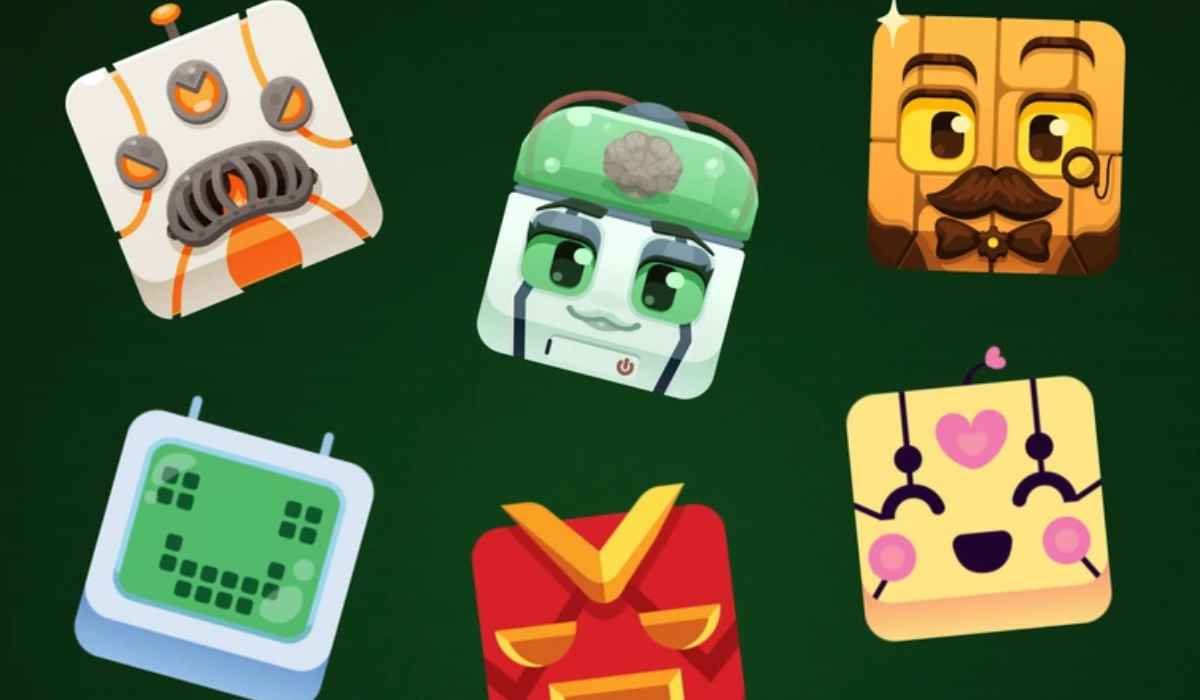
An educational gaming platform like Blooket turns classroom quizzes into competitive multiplayer experiences where teachers host live sessions and students join via unique codes. However, the openness of browser-based game codes has led to the rise of the blooket bot, an automated software script designed to mimic human participants. These unauthorized tools can flood game lobbies with fake profiles, automatically submit correct quiz answers, or disrupt ongoing classroom assessments. Understanding how these scripts operate, the risks they pose to user accounts, and the security settings hosts use to block them is essential for maintaining fair gameplay.
Quick Bio
| Attribute | Details |
| Primary Subject | Blooket Bot |
| Category | Web Automation Script / Third-Party Game Tool |
| Target Platform | Blooket (Educational Quiz & Trivia Platform) |
| Primary Functions | Lobby Flooding, Auto-Answering, Score Manipulation |
| Common Hosting Sources | GitHub, Replit, Glitch, Third-Party Web Dashboards |
| Platform Policy Status | Prohibited (Violates Blooket Terms of Service) |
| Key Host Countermeasures | Late Joining Disablement, Random Names, Student ID Mode |
Understanding Automated Scripts in Educational Gaming
Modern classroom platforms rely on instant accessibility so students can join activities without lengthy registration steps. While this frictionless design benefits teachers, it also creates an entry point for any blooket bot programmed to interact with public game endpoints. Rather than clicking buttons inside a web browser, automated scripts send direct network requests to the game server using a valid session PIN. Because the server initially treats each incoming request as a separate browser tab, dozens of virtual players can appear within seconds. Exploring this underlying architecture reveals why simple PIN-based lobbies remain vulnerable to automated traffic unless hosts activate specific verification controls.
How Automated Game Joiners Actually Operate
When a real student enters a live session, their browser loads the game interface, submits a numeric code, selects a nickname, and chooses an avatar. A blooket bot replicates this exact handshake sequence inside background code, bypassing the visual graphics entirely to save computing power. By running a rapid loop, a single script can generate sequential usernames like Player1, Player2, and Player3 while transmitting join packets simultaneously. Once connected to the websocket or server room, basic scripts simply sit idle on the host screen, whereas advanced variants parse incoming question payloads to trigger automated responses during live rounds.
Different Categories of Game Automation Tools
Not every script shared across online forums performs the exact same task inside a live quiz session. Developers categorize each blooket bot according to its primary objective, ranging from harmless lobby inflation to aggressive score manipulation. Flooders focus strictly on overwhelming the waiting room with dozens of inactive avatars to fill player capacity. Conversely, answer solvers read question identifiers from the game state to highlight or select accurate choices automatically. Additionally, loop scripts repeatedly connect and disconnect in rapid succession, creating network congestion that causes browser lag or freezes the host display during crucial review lessons.
Why Students Search for Lobby Flooders

Curiosity and classroom humor frequently drive students to look up automation utilities during casual review days. When a teacher projects a live PIN onto a whiteboard, deploying a blooket bot flooder instantly fills the screen with dozens of unexpected names, sparking laughter among peers. Unlike tools aimed at winning, lobby spammers rarely interact with quiz questions or earn in-game currency. Instead, users treat them as digital pranks meant to surprise the room or delay the start of an assignment. However, what begins as a lighthearted joke often consumes valuable instructional minutes while the teacher restarts the session.
Mechanics Behind Answer Solver Utilities
Competitive game modes like Gold Quest and Crypto Hack reward speed and accuracy, tempting some players to seek algorithmic shortcuts. An answer-focused blooket bot works by matching visible question text or internal set identifiers against pre-fetched database records. Browser extensions and web dashboards allow users to input a game PIN or homework link, returning a complete list of correct solutions within moments. Some scripts even inject visual highlights directly onto the player screen, adjusting dynamically when the platform shuffles answer positions. While effective at boosting leaderboard rankings, these solvers eliminate genuine knowledge retention and skew teacher assessment data.
Study Mode Schedulers and Token Farming
Beyond live multiplayer lobbies, certain third-party platforms offer automated schedulers designed for solo practice sessions. This variation of a blooket bot logs into a user account and simulates playing Study mode repeatedly to accumulate daily experience points and tokens. Because the platform enforces strict daily reward caps—typically limiting players to around 500 tokens and 300 XP—automated schedulers run until those thresholds are reached. Users rely on these background tasks to unlock rare cosmetic avatars without spending hours answering flashcards manually. Nevertheless, granting external websites direct login access introduces severe account security vulnerabilities.
Where Third-Party Scripts Are Commonly Hosted
Because the official educational platform provides zero support for automated players, independent coders distribute their projects across open developer repositories. Anyone searching for a blooket bot typically encounters links pointing to GitHub repositories, Replit workspaces, Glitch apps, or specialized web dashboards. Many browser-based scripts require users to copy JavaScript snippets and paste them directly into the developer console while viewing a live game tab. Other services package these functions into commercial web portals operating on credit systems. Because platform developers frequently patch security endpoints, most public repositories break quickly and require constant code updates.
Impact of Bot Traffic on Classroom Sessions
When dozens of automated connections hit a single game room simultaneously, the immediate consequence is severe performance degradation. A sudden blooket bot surge forces the host browser to render scores of animated avatars, causing noticeable frame drops or complete tab crashes. Furthermore, flooded lobbies quickly exhaust maximum participant limits, locking legitimate students out of their own class activity. Even when a match proceeds, fake participants clutter the post-game analytics report with zero-percent accuracy scores. Teachers who depend on those metrics to identify struggling learners must discard the corrupted data and repeat the evaluation.
Platform Terms of Service and Rule Violations
Using unauthorized automation does not break criminal laws, yet it directly violates the acceptable use policies governing educational software. Deploying a blooket bot breaches platform Terms of Service, which explicitly prohibit interfering with servers, automating gameplay, or scraping question sets. Platform administrators actively monitor network traffic for abnormal join rates, impossible answer speeds, and repetitive request patterns. When detection algorithms flag suspicious activity, the system can terminate the active lobby or permanently suspend associated user accounts. In school-managed environments, IT departments also track network logs and report policy violations to teachers or principals.
Security Risks and Credential Theft Dangers
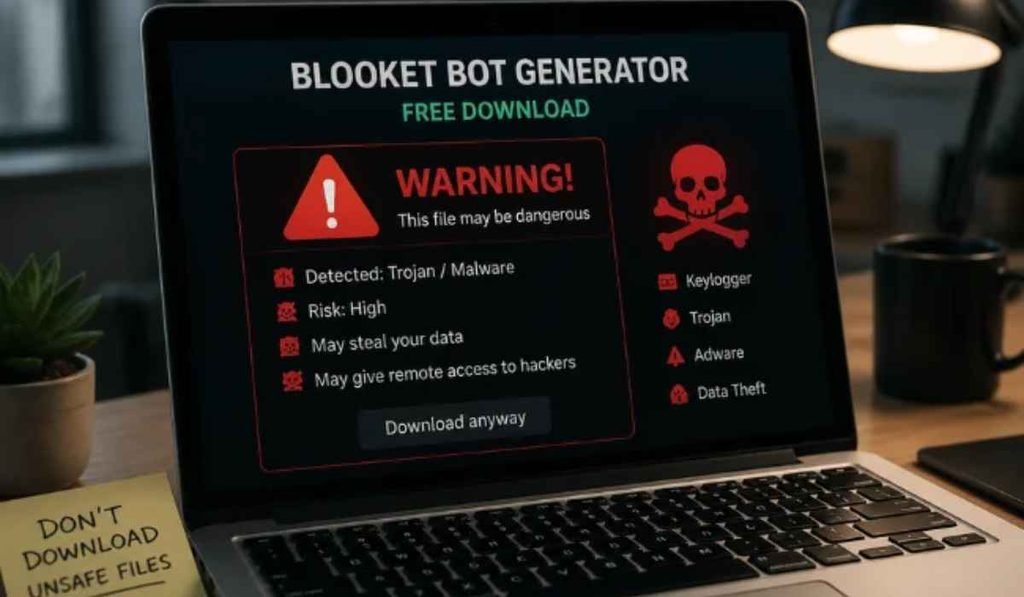
Downloading unverified scripts or entering personal details into third-party websites exposes students to significant cybersecurity threats. Many fraudulent websites advertising a free blooket bot are actually phishing traps designed to harvest usernames, passwords, and session cookies. Once attackers capture login credentials, they can hijack accounts, delete unlocked cosmetic collections, or compromise linked email addresses. Additionally, executable files shared on messaging servers frequently bundle hidden malware or keyloggers capable of infecting personal laptops. Pasting unknown JavaScript into a browser console is equally hazardous, as malicious code can read sensitive data stored across other open tabs.
How Blooket Detects Automated Player Behavior
Platform engineers continuously update server-side defenses to distinguish genuine human participants from automated network traffic. Modern detection systems scrutinize every incoming blooket bot connection by analyzing browser fingerprints, request headers, and interaction timing. Real students exhibit natural delays between viewing a game code, typing a name, and selecting an avatar, whereas scripts execute these steps within milliseconds. Browser verification challenges also block headless scripts that fail to execute standard client-side checks properly. When multiple requests originate from a single IP address with sequential naming patterns, automated filters immediately throttle or drop the connections.
Essential Host Settings to Block Unwanted Bots
Teachers possess built-in configuration tools that eliminate most automation threats before a live match even begins. To stop a blooket bot from infiltrating a session, hosts should immediately disable the Allow Late Joining toggle on the setup screen. Turning off late entry ensures that once the teacher clicks start, leaked game codes become completely useless to external scripts. Enabling Use Random Names is equally effective, as it assigns pre-approved nicknames automatically and breaks scripts programmed to inject custom text. Together, these two simple switches neutralize the vast majority of public lobby flooders within seconds.
Managing Lobbies and Removing Suspicious Players
Even with strong pre-game settings, vigilant classroom management provides an essential second layer of defense during live sessions. Before launching a quiz, hosts should compare the lobby player counter against the physical headcount of students present in the room. If a blooket bot slips inside, the teacher can click directly on any unfamiliar or randomly generated name to kick that participant immediately. Requiring students to sign into verified school accounts further strengthens accountability by tying every avatar to a real identity. If a code leaks publicly, closing the room and generating a fresh PIN restores order instantly.
Network Filtering and School IT Protections
Educational institutions manage campus Wi-Fi networks using enterprise firewalls and content filtering systems to keep classrooms focused. When administrators identify domains hosting a blooket bot, they add those URLs to district-wide blocklists so school Chromebooks cannot load them. IT teams also restrict access to browser developer consoles and unauthorized extensions on managed student devices. By blocking access to code-sharing platforms or suspicious proxy sites during school hours, districts prevent students from launching scripts locally. Combining network-level restrictions with teacher host controls creates a secure digital environment where educational games function smoothly without outside interference.
Comparing Manual Gameplay Versus Automated Tools
The fundamental appeal of educational gaming lies in active recall, friendly competition, and immediate feedback during class reviews. Relying on a blooket bot strips away these cognitive benefits, turning an interactive learning exercise into a passive or broken experience. When students answer questions manually, they reinforce memory pathways, identify knowledge gaps, and earn legitimate rewards at a steady pace. Automated tools might generate temporary leaderboard spikes or crowded screens, yet they provide zero academic value and risk permanent account bans. Ultimately, authentic participation delivers lasting educational growth that no third-party script can ever replicate.
Ethical Considerations in Digital Learning Spaces
Digital citizenship teaches students how to use technology responsibly, respect shared online spaces, and maintain academic honesty. Deploying a blooket bot during a live lesson disrupts the learning environment for classmates who genuinely want to participate and review material. Beyond breaking platform rules, using answer solvers misleads teachers into believing students have mastered complex subjects when additional instruction is actually needed. Practicing fairness in low-stakes classroom games builds positive habits that carry over into formal exams and future workplaces. Respecting digital boundaries ensures that interactive tools remain enjoyable, reliable, and accessible for everyone in the classroom.
Troubleshooting Connection Issues Without Scripts
Sometimes teachers mistake ordinary classroom Wi-Fi glitches for deliberate automation attacks when screens freeze or names duplicate. Before assuming a blooket bot has compromised the lobby, hosts should check whether students refreshed their browsers mid-join. Refreshing a tab before entering a match often leaves behind a disconnected ghost avatar until the server times out. Asking students to close extra browser tabs and verify their internet connection usually resolves lag without restarting the entire game. Distinguishing between harmless network hiccups and genuine script floods saves time and prevents unnecessary panic during busy lesson periods.
Future of Anti-Cheat Systems in EdTech
As web automation evolves, educational software developers continue investing in smarter security architectures to protect live classrooms. Future updates designed to counter every blooket bot will likely incorporate dynamic token rotation, stricter rate limiting, and seamless device verification. Rather than relying solely on static numeric codes, platforms are expanding single sign-on integrations that restrict game rooms exclusively to rostered classroom members. Machine learning models will also evaluate gameplay patterns in real time, silently isolating anomalous accounts without interrupting legitimate players. These ongoing advancements promise faster, safer, and fairer quiz sessions for educators worldwide.
Best Practices for Hosting Secure Classroom Games
Running a smooth multiplayer review session requires just a few consistent habits from the moment a teacher selects a question set. To prevent any blooket bot from interfering, hosts should avoid posting game codes on public social media streams or open video calls. Waiting until every student has their device ready before projecting the PIN narrows the window for unauthorized external access. Enabling random names, disabling late entry, and starting the match promptly once the class headcount matches the lobby keeps sessions secure. Following this simple checklist guarantees an engaging, uninterrupted learning experience every single time.
Summary of Safe and Fair Gaming Principles
Navigating modern educational platforms requires balancing open student accessibility with strong safeguards against disruptive third-party automation. While searching for a blooket bot might seem like an entertaining shortcut, these unauthorized scripts violate platform rules, compromise device security, and ruin classroom engagement. Teachers can easily protect their sessions by locking late entries, using random nicknames, and monitoring lobby rosters before clicking start. Meanwhile, students gain far more by playing honestly, building real knowledge, and keeping their accounts safe from phishing threats. For broader technical context on how automated web software operates across the internet, explore the overview of an Internet bot.
FAQs
- What is a blooket bot and what does it do?
- A blooket bot is an unauthorized third-party script or web tool that automates joining live games, flooding lobbies with fake players, or auto-answering quiz questions.
- Is using a blooket bot against the rules?
- Yes, using any automated script violates Blooket’s Terms of Service and can result in permanent account suspension or school disciplinary action.
- How can teachers stop bots from joining their Blooket game?
- Hosts can block bots by turning off Allow Late Joining, enabling Use Random Names, and removing suspicious players before starting the match.
- Are free blooket bot websites safe to use?
- No, many third-party bot sites and scripts carry serious security risks, including phishing traps that steal login credentials and downloads bundled with malware.
- Does Blooket have an official bot feature?
- No, Blooket does not offer any official bot tools, so every flooder or answer solver online is created by unverified external developers.